Works on your computer
Your Mac downloads, cuts, and builds Shorts locally — you don’t wait in a crowded online queue.
PostVix Short Desktop
Same PostVix account you already use. Your computer does the heavy work — so Shorts stay fast, private, and ready to publish.
Available for Mac and Windows
01
Your Mac downloads, cuts, and builds Shorts locally — you don’t wait in a crowded online queue.
Sign in with your PostVix Short login. Channels, credits, schedule, and billing stay in one place.
Pull from your channel, paste a link, upload a file, or run a batch — pick what fits your workflow.
Big video work stays on your machine. When you’re ready, publish through your connected accounts.
02
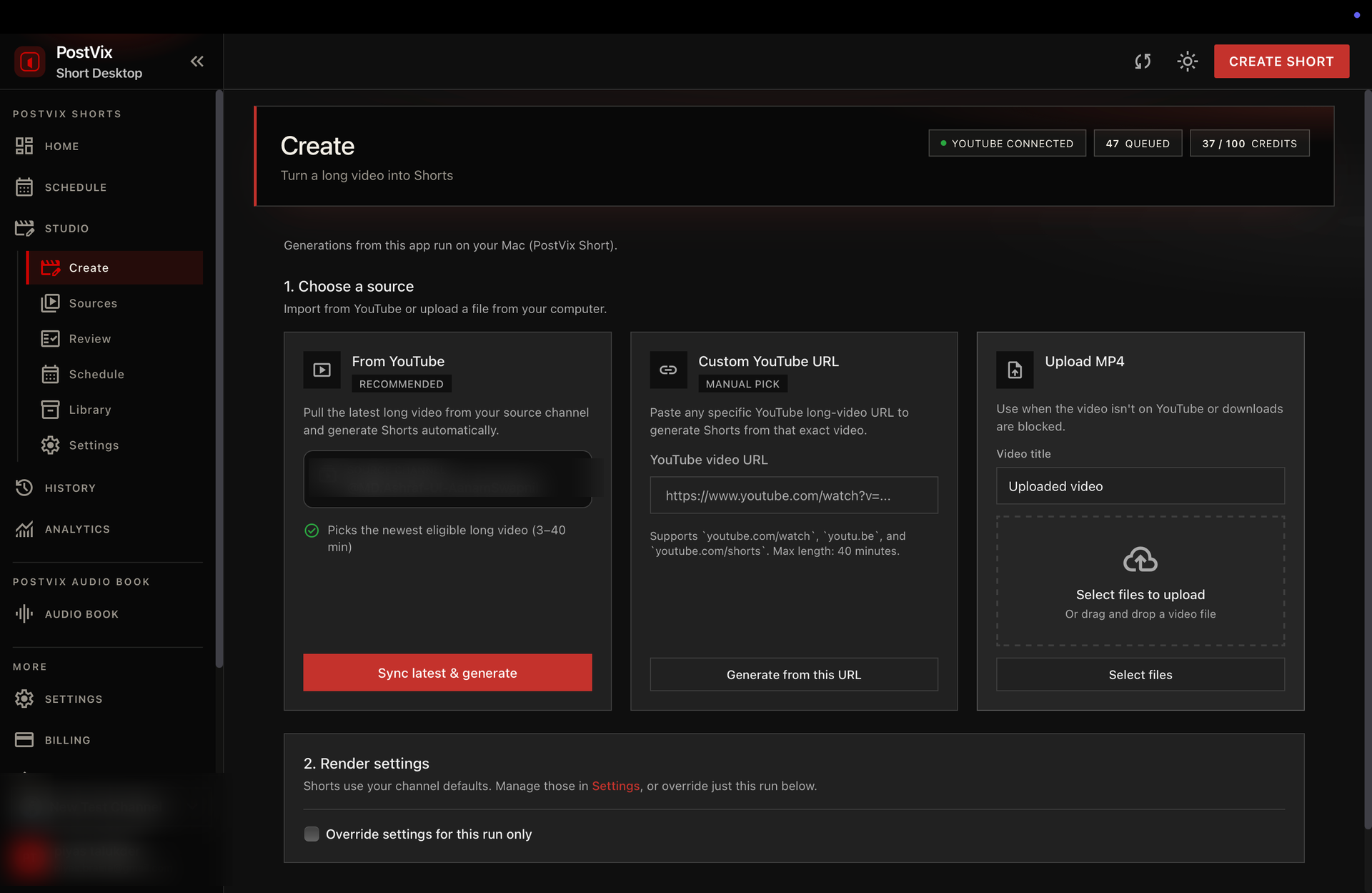
Three options on Create, plus batch mode when you want several long videos in a row.
Pull your newest long video from YouTube and turn it into Shorts in a few clicks.
Drop any YouTube link you want to repurpose — great for one-off videos.
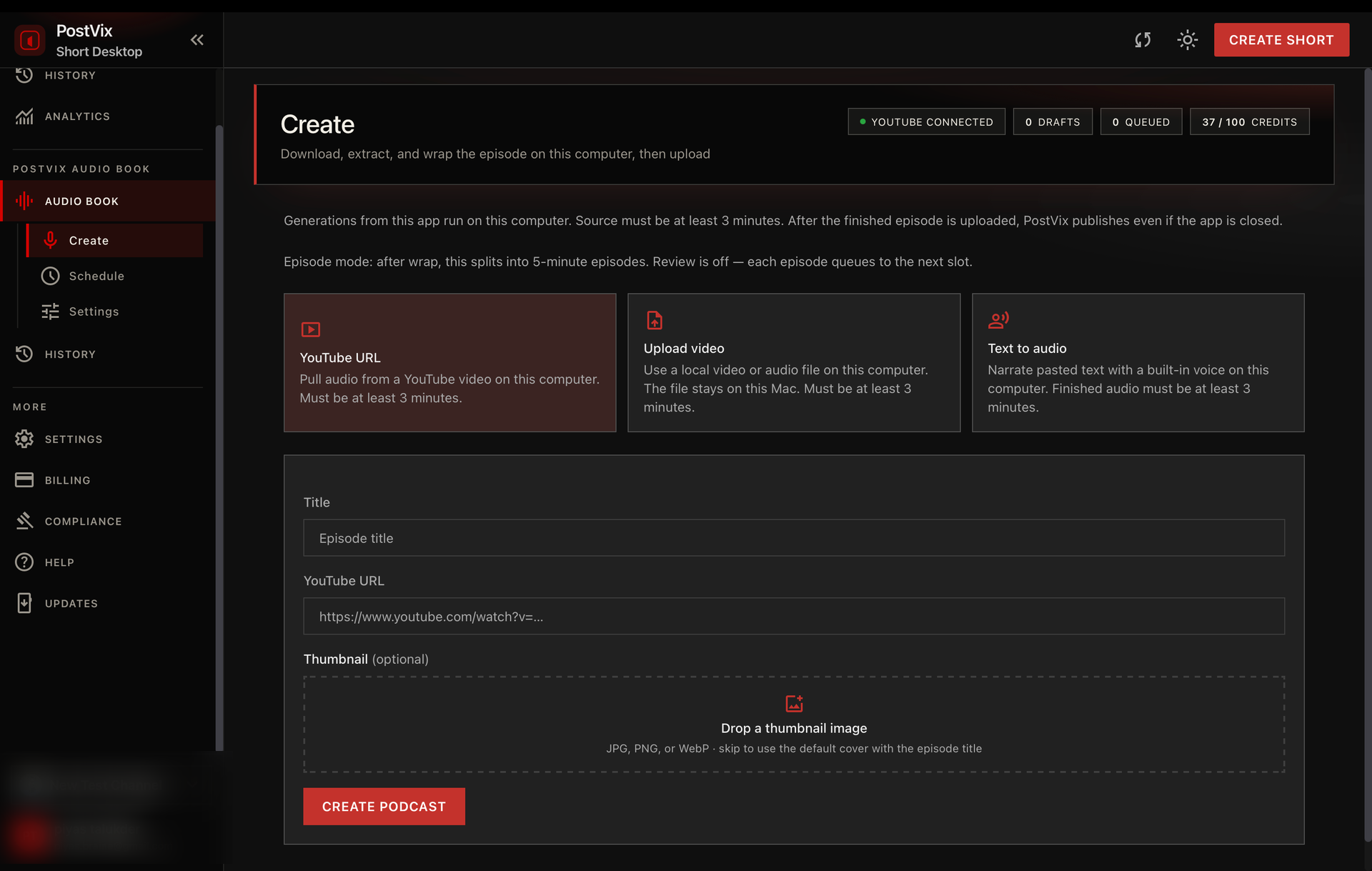
Already have an MP4 on your Mac? Upload it and generate Shorts without going through YouTube first.
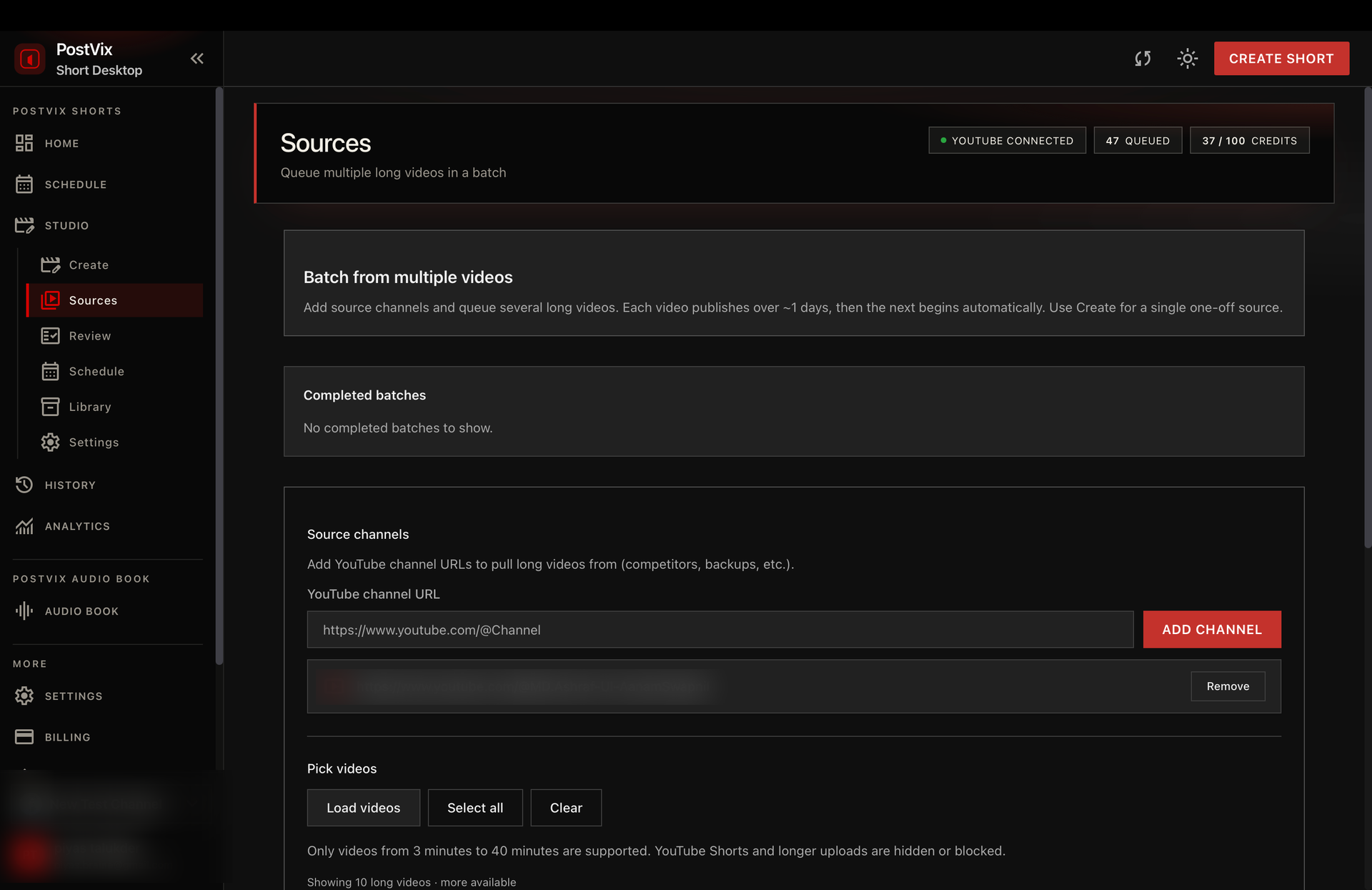
Queue multiple long videos in Sources and let the desktop app work through them one after another.
03
From install to published Shorts — simple steps.
Get the Mac app, open it, and sign in with your PostVix Short account.
Link YouTube so Shorts can publish to the right place. Grant browser access if the app asks — needed to fetch your videos smoothly.
Use Create for one video (latest, link, or upload), or Sources for a batch.
Keep the app open while it prepares Shorts. You’ll see progress for download, captions, planning, and export.
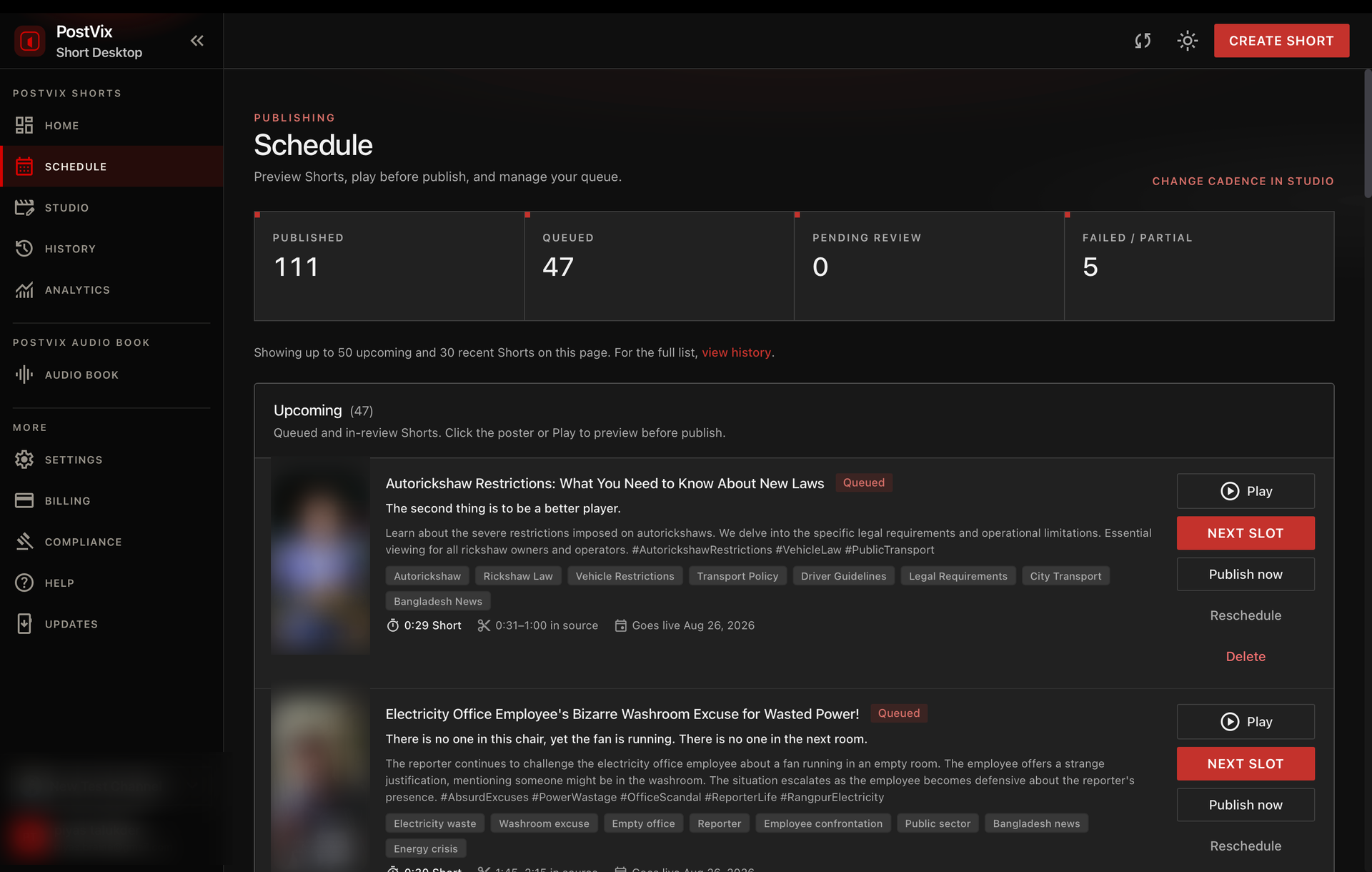
Check titles, schedule posts, and publish when you’re ready.
04
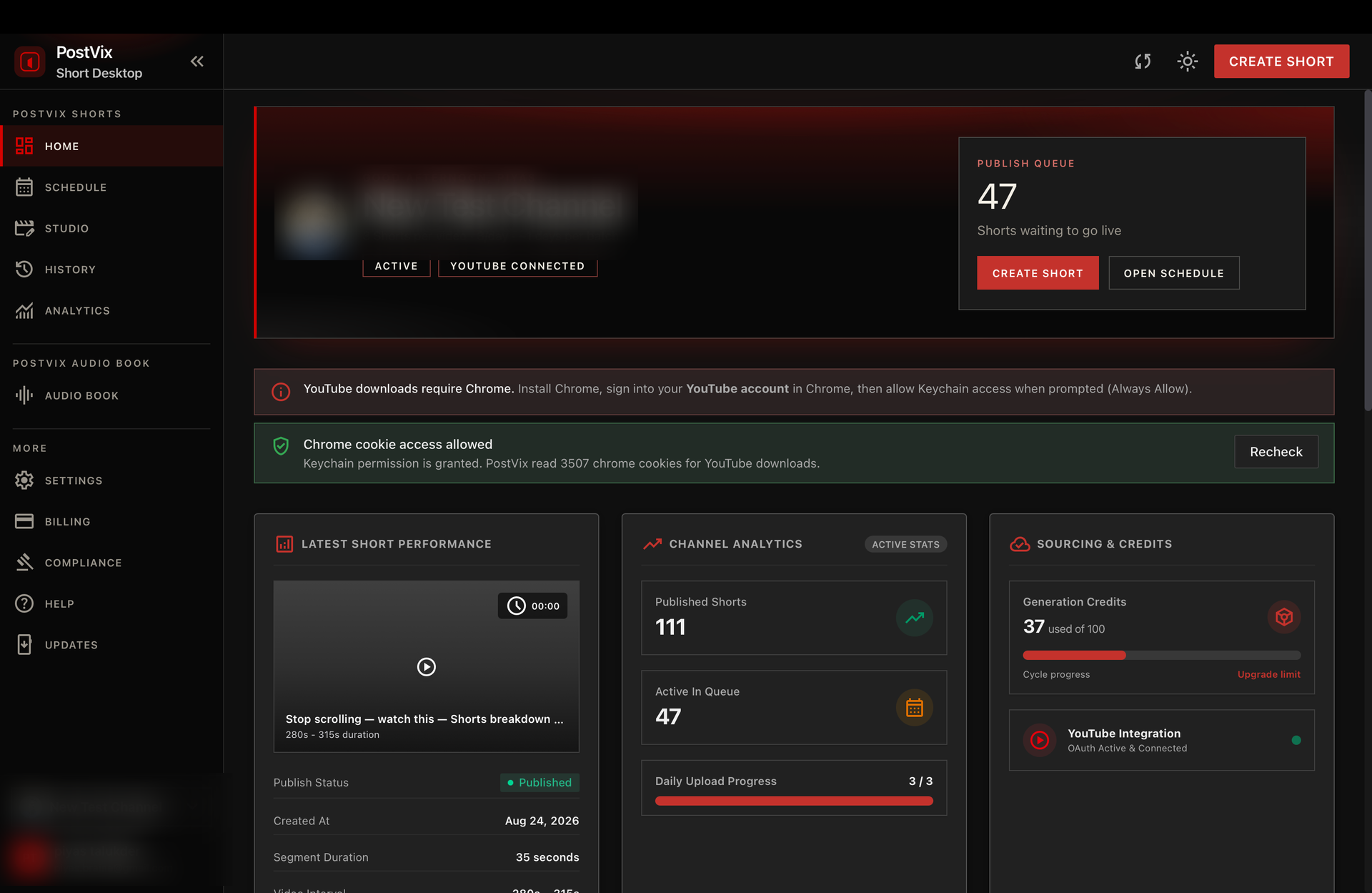
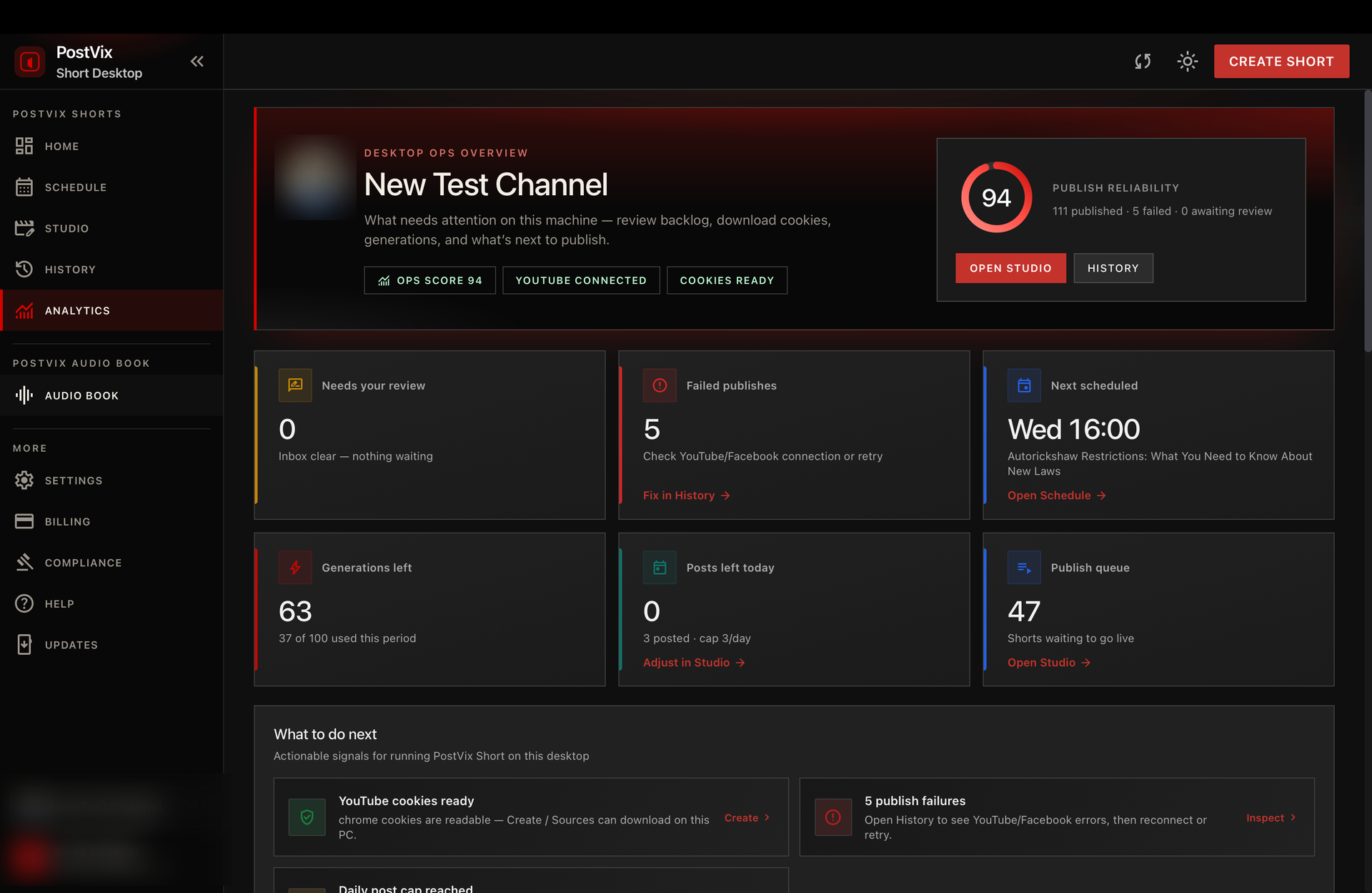
Real screens — personal details are masked.
05
Same plans as PostVix Short. 1 credit = 1 long video → up to 20 Shorts. Generation runs on your Mac.
$19/mo
For creators posting a few long videos each month.
Most chosen
$49/mo
Higher volume with review mode and manual uploads.
$99/mo
Unlimited generations for agencies and high-output channels.
06
No. Use the same PostVix Short email and password (or Google sign-in) you already have on the website.
Your Mac does the heavy video work locally, so generation is usually faster and more private. Your account, credits, and schedule still live in the cloud.
A Mac for now. Keep the app open while Shorts are being created. Windows support is coming soon.
On Create: take your latest channel video, paste a YouTube link, or upload an MP4. In Sources: batch several long videos to run one after another.
Yes — videos are fetched or uploaded, then processed on your Mac. Make sure you have enough free disk space for longer videos.
Yes. Hit Cancel generation in the app. The job stops on your Mac and won’t keep building Shorts for that run.
Yes. Connect your Facebook Page and the same Short publishes to YouTube and Facebook Reels together.
Available for Mac and Windows. Sign in with your PostVix account and start creating — no complicated setup.